
The virtual touchplate is one of the most distinctive controls in Quantum Radionics Fire Toolz. It translates a traditional radionics practice into a digital interaction: you hold the mouse button, move the pointer across the plate while maintaining a clear intention, release, and retain the resulting value as part of the position configuration.
That description is simple, but using the feature well requires more than moving a cursor. You need to know what the touchplate does inside the software, what a generated value can and cannot mean, how to prepare your attention, when to preserve existing values, and how to save the result without confusing a symbolic ritual with an objective test.
This guide treats the touchplate as both a Fire Toolz feature and an intentional practice. The numbers it produces can help you mark a focused moment and personalize a template. They are not a medical reading, a diagnosis, a scientific measurement of energy, or proof about another person. The value of the exercise begins with clarity, consent, and a configuration you can understand later.
1. Understand What the Virtual Touchplate Actually Does
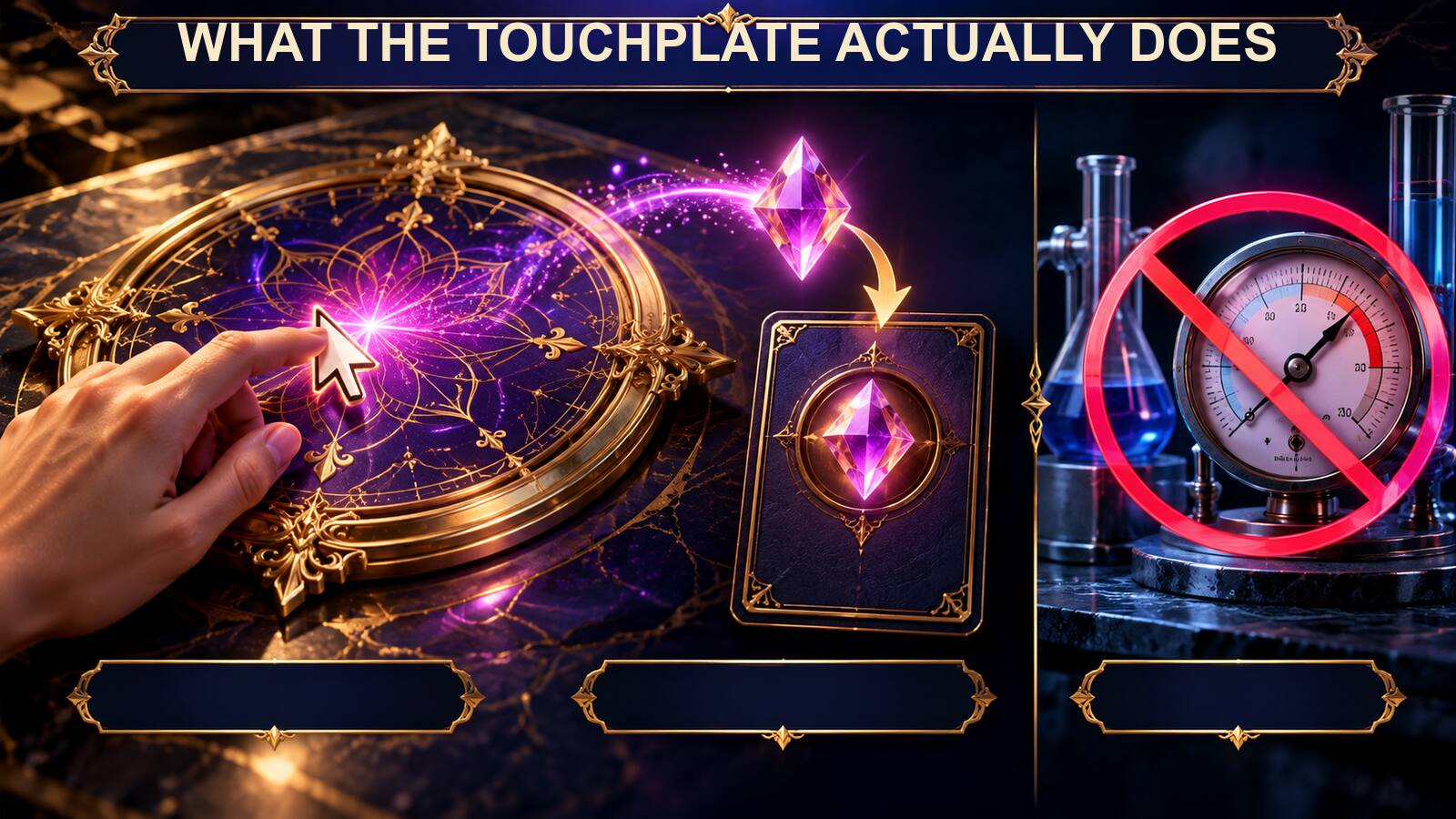
In Fire Toolz, the virtual touchplate appears within the configuration for a position when radionic values or the touchplate option are available. You press and hold the mouse button over the plate, move the pointer while holding an intention in mind, and release to finish. The software generates a numerical value that can be stored with that position.
The interaction is deliberate. Holding, moving, and releasing creates a small beginning, middle, and end. That physical sequence can help you concentrate on a sentence or image instead of clicking quickly through the template. The resulting value becomes a record that this position was personalized during a particular design session.
The number is part of the ritual and configuration. It is not an instrument reading in the scientific sense. The mouse does not sample a person’s body, analyze an object, or measure an invisible field. Fire Toolz does not turn the computer into medical, psychological, forensic, or environmental test equipment.
This distinction makes the feature easier to use responsibly. You do not need to defend the number as an external fact. You can treat it as a symbolic expression created while focusing on a purpose. That keeps attention on the quality of the intention and the organization of the template.
A useful analogy is a handwritten mark placed beside a personal commitment. The mark can be meaningful to the person who creates it without becoming a laboratory result. Similarly, a touchplate value can distinguish one position or session, remind you that you completed the focusing step, and remain available when the template is reopened.
Before using the plate, identify which position you are editing. Read its name, image, and decree. If you cannot explain what the position contributes to the operation, generating a value will not solve the design problem. Clarify the position first, then use the touchplate as the final act of personalization.
2. Prepare a Short, Ethical Intention

Mental focus is easier when the intention is short enough to hold without strain. Write it before opening the plate. A sentence such as “I bring calm attention to the next useful step” gives you a clear idea to return to whenever your mind wanders. A long paragraph containing several outcomes is harder to maintain and harder to evaluate.
Use language oriented toward your own conduct, wellbeing, or authorized practice. “I communicate honestly and listen carefully” respects agency. “Another person agrees with me” attempts to dictate someone else’s choice. If the operation includes a consenting beneficiary, describe supportive qualities rather than guaranteed behavior.
Keep extraordinary claims out of the decree. A touchplate value does not make a medical promise safer or more accurate. If you are dealing with illness, financial decisions, legal problems, violence, or psychological distress, retain the professional and practical steps those situations require. The template can accompany a personal spiritual routine, but it should not replace reality-based care.
Phrase the intention affirmatively when possible. “I prepare steadily for restful sleep” is easier to visualize than a list of everything you fear at night. Positive wording is not magical grammar; it is a way to make the purpose easier to understand and remember.
Read the sentence aloud. Remove vague intensifiers such as “perfect,” “instant,” “unlimited,” and “guaranteed.” Replace them with qualities you can recognize: steady, clear, patient, organized, consistent. The intention should not need dramatic language to feel important.
Then identify the associated action. If the intention concerns concentration, prepare the material you plan to study. If it concerns a peaceful room, clean the space and resolve obvious sources of noise or conflict. If it concerns a creative project, open the file and choose the next task. The touchplate moment becomes more grounded when it supports a plan you can actually perform.
Finally, decide whether the position already contains a value supplied with a known template or filter. If it does, do not overwrite it simply because you want every position to feel personalized. Preserve the original unless you understand its role and have a clear reason to create a separate custom version.
3. Set Up the Position Before Touching the Plate

Open the position configuration and confirm its number. The number matters because the same canvas may contain several visually similar cards. Editing the wrong slot can attach your new value to a different function than you intended.
Check the image. It should represent the position’s actual role and come from a resource you are permitted to use. If the image is missing, incorrect, or still a placeholder, correct it now. The touchplate should personalize a finished concept, not distract you from incomplete setup.
Review the Name field. Use a concise functional label such as Focus, Beneficiary, Grounding, Creative Expression, or Close. A role name gives the generated value context when you inspect the template later. A number without a recognizable position is difficult to interpret responsibly.
Read the full decree in the Text area. Make sure the beneficiary named in the sentence matches the beneficiary shown elsewhere in the operation. If you copied a previous template, search for old names and goals. Confirm whether Show Text is enabled to suit your preference.
If the position represents another person, verify consent before proceeding. A public photograph is not automatic authorization. Protect the image and name as personal information, and do not display the resulting template in tutorials or social posts without permission.
Review any existing radionic-value field. Some filters arrive with values that belong to their original design. Record the current value before changing it, or save a new template version so the source configuration remains available. You should always be able to distinguish an included value from one you generated yourself.
Once the image, name, decree, beneficiary relationship, and existing values are correct, enable the option for the touchplate or personalized radionic values as supported by your version. Now the plate is part of a coherent position. The focus exercise has a defined subject and purpose.
4. Use the Press, Move, Focus, and Release Sequence
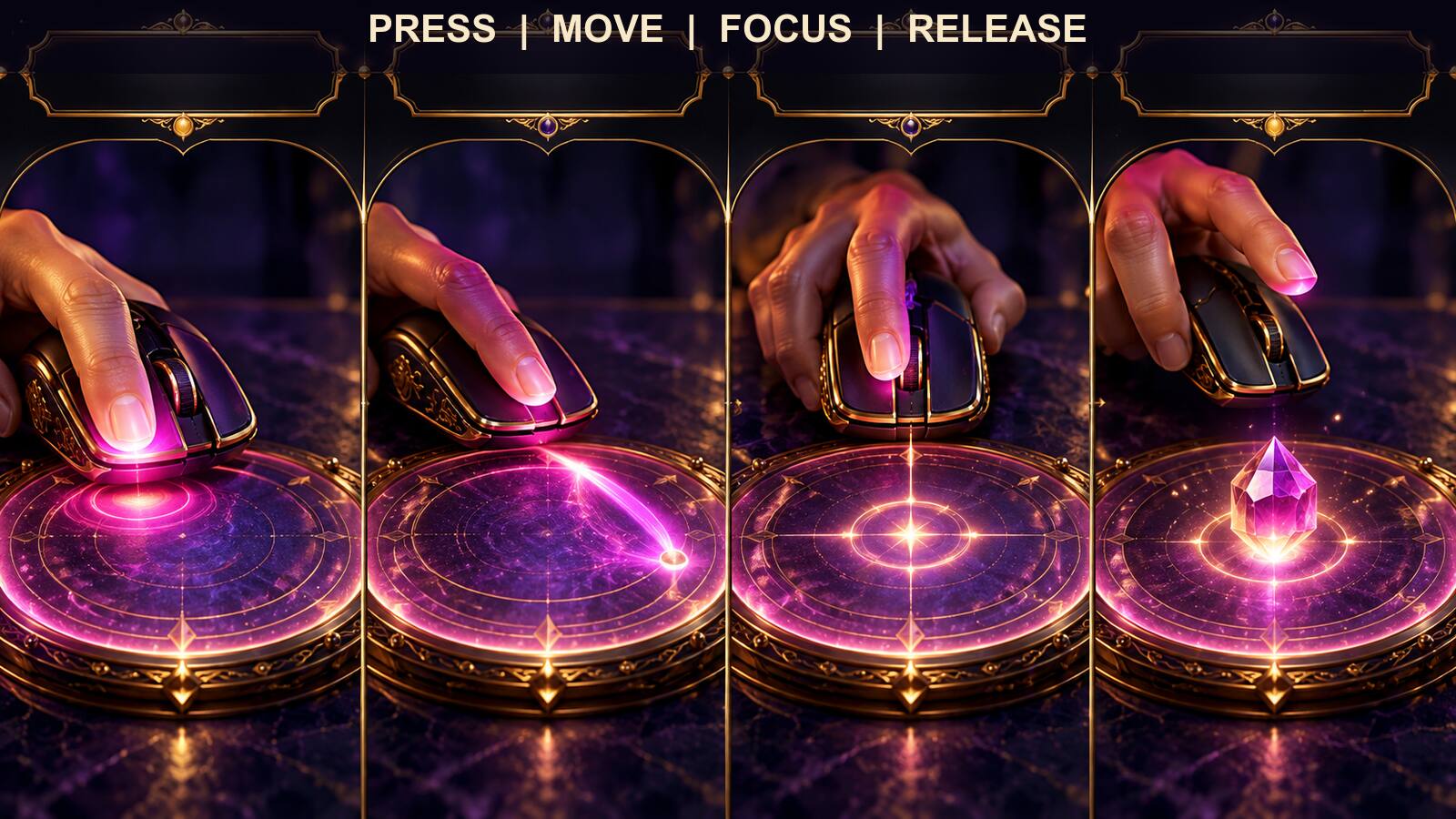
Place the pointer over the virtual plate. Take one normal breath and read the intention once. The aim is calm attention, not a trance or a forced altered state. Sit comfortably, keep the screen at a practical distance, and stop if the exercise creates distress.
Press and hold the primary mouse button. Keep it held while moving the pointer across the plate. Your path can be smooth and unhurried. There is no need to reproduce an elaborate sacred geometry or to move at a particular speed unless the method you are following specifically requires it.
Bring attention back to the intention as you move. You may silently repeat the short sentence, visualize the completed practical action, or keep the beneficiary image in mind. Choose one method rather than switching frantically among words, images, and numbers.
Release the button when the movement feels complete. The release marks the end of the input. Observe the value displayed by the software and save or update the position as required. Do not keep dragging merely to obtain a number that looks more mystical, symmetrical, or familiar.
The exact path and duration are less important than consistency. If you want to compare sessions, use a similar preparation and a comfortable, repeatable gesture. Record the date, template version, position, and purpose. This creates a useful design history without implying that one value is objectively stronger than another.
If the pointer slips outside the plate or the interaction is interrupted, start again calmly. A technical mistake is not an omen. If the software does not retain the value, verify that the correct option is enabled and that you clicked Update before closing the position window.
Avoid rapid repetition. Generating value after value until one “feels right” can turn a focusing tool into compulsive checking. If you are dissatisfied, return to the intention and the position design. Decide on one deliberate second attempt at most, record why you repeated it, and then move on.
5. Decide When to Keep, Replace, or Display a Value
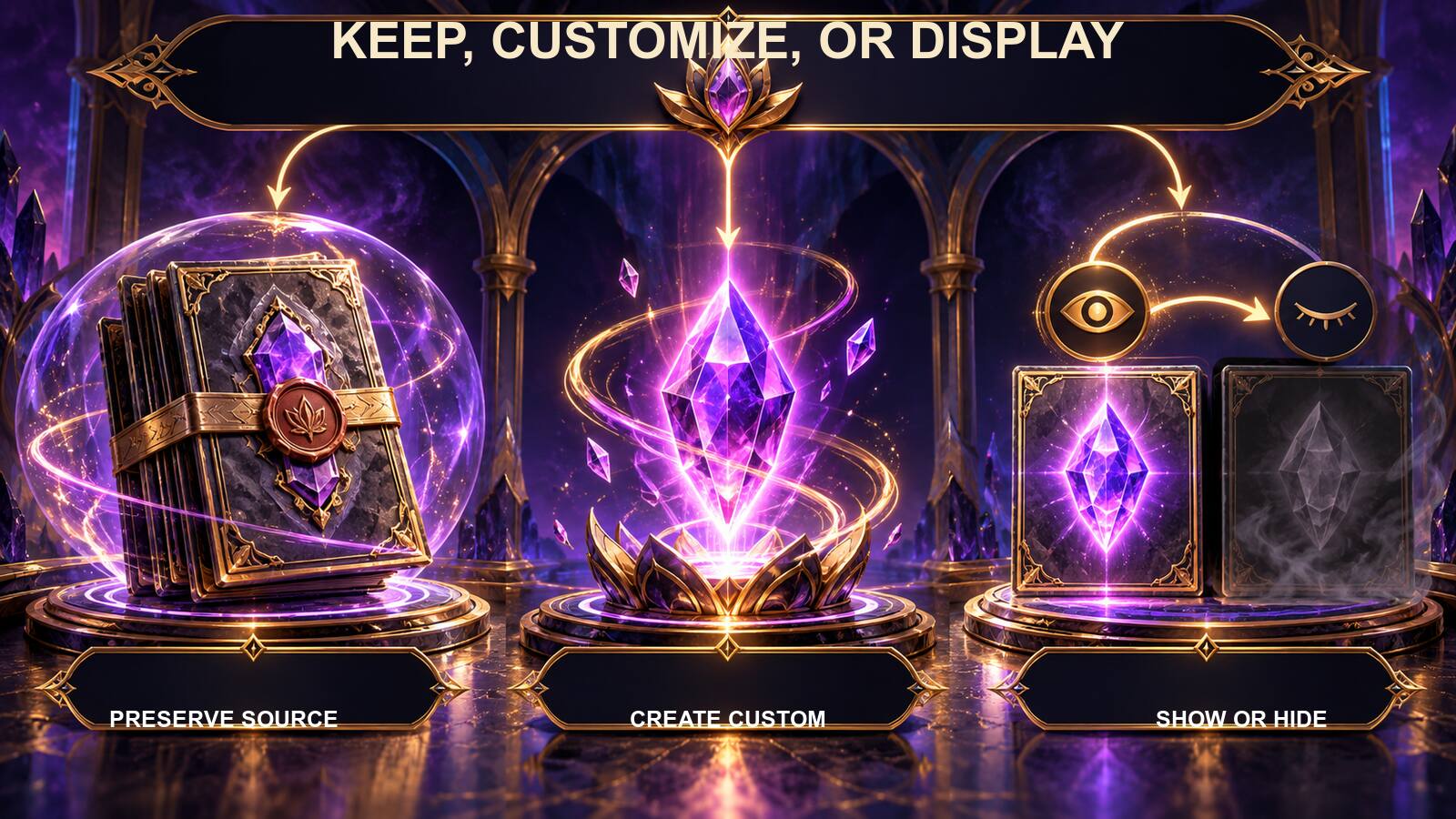
There are three separate decisions: whether a position should have a value, whether an existing value should be replaced, and whether the stored value should be visible on the main canvas. Treat them separately.
Preserve an existing value when it was supplied with a filter or template whose design you intend to keep. The value may be part of the creator’s method. Even if you do not assign scientific status to it, replacing it without understanding the position can make the copied template inconsistent with its notes.
Create a custom value when you are designing your own position, when the method invites personalization, or when you are saving a new version explicitly labeled as customized. Record that choice in Notes. A short entry such as “Position 2 value generated during personal focus setup” is more useful than leaving future you to guess.
Replace a custom value when the purpose of the position has genuinely changed. If Focus becomes Rest, you are not merely updating a number; you are redesigning the position. Change the name, image, decree, and notes together. Save the revised operation as a new version and test it.
Use Show Radionic Values when seeing the number supports your workflow. Visibility can remind you that a value is present or help you compare two saved versions. Hiding the value can reduce clutter. The display toggle changes presentation; it does not erase the saved value or alter its power.
Do not evaluate values by numerology alone. Repeating digits, familiar sequences, and large totals can look significant, but appearance does not prove a stronger result. The important questions are whether the value belongs to the intended position, whether the position is configured correctly, and whether the template remains understandable.
Never use a touchplate value to rank people, diagnose conditions, predict events, choose investments, identify guilt, or decide whether someone is trustworthy. Those uses give a symbolic output authority it does not have. When a decision matters, use appropriate evidence and qualified advice.
6. Save the Value as Part of a Complete Template
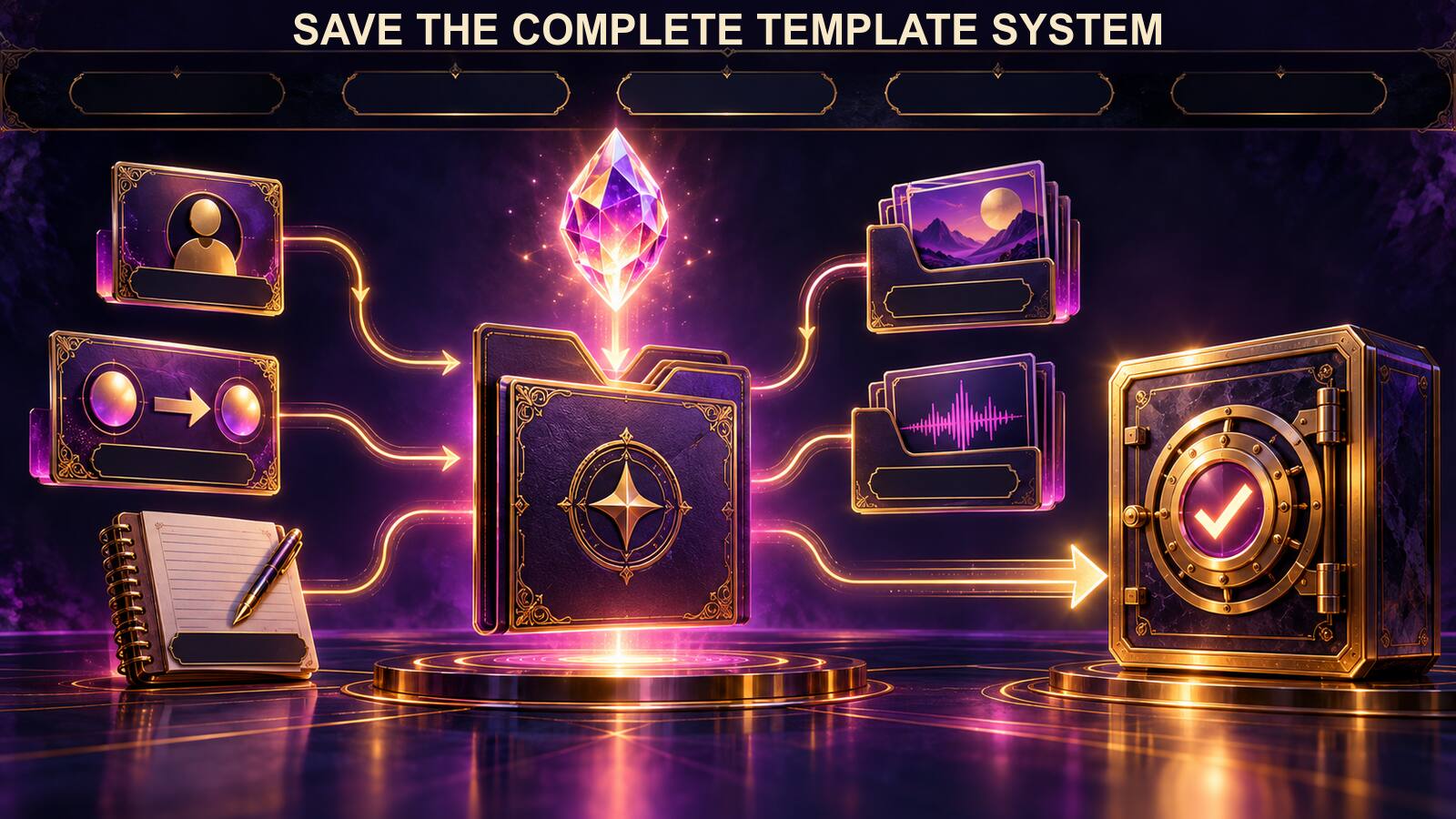
A touchplate value is only one element of a Fire Toolz operation. After updating the position, return to the main canvas and inspect the whole template. Confirm the correct beneficiary, filter images, decrees, position order, transfer cards, optional background, and audio.
Use a short technical run to verify that the position displays as intended. If Show Values is active, check that the number is legible and does not overlap other text. If the position includes audio, confirm that the file plays and that the route behaves normally. Stop the run deliberately.
Open Notes and record the purpose of the value. Include the date or version, the position number, and whether the value was generated through the touchplate or supplied by the source template. Do not record private beneficiary information in a document that will be shared publicly.
Save the template under a descriptive name. If you started with a purchased or blank master, use Save As so that the original remains unchanged. A filename such as Writing-Focus-Custom-v1 tells you more than a dramatic title with no version.
Keep linked images and audio in stable folders. The template may depend on paths to those resources. Moving the files later can create missing images or silent positions. Back up the full project folder, not just the saved template.
Close and reopen the file. Verify that the value, display setting, image, decree, and other dependencies were retained. A successful reopen is the practical proof that the configuration was saved. If the number disappears, revisit the position, repeat the update step, and save a new version.
When sharing an unpersonalized template, remove names, private photographs, and values tied to a particular beneficiary. Provide an obvious placeholder and instructions for generating a fresh custom value. A reusable master should invite safe personalization rather than expose the data from your own session.
7. Use a Practice Log Without Turning Coincidence Into Proof

A touchplate log can make your work more consistent. Record the template version, position name, date, intention, generated value, duration, and any technical issues. Add the practical action you took alongside the session. This information helps you reproduce or revise the setup.
Separate observation from interpretation. “The value was saved and visible after reopening” is an observation. “I completed two pages after the session” is also an observation. “The value caused the pages to be completed” is an interpretation that the log alone cannot establish.
This separation protects you from confirmation bias. When you expect a symbolic operation to work, ordinary events can feel like proof while contrary events fade from attention. A factual record lets you see the full sequence, including sessions that felt ordinary, were interrupted, or were followed by no noticeable change.
Use the log to improve technical choices. If several runs had missing audio, stabilize the file path. If long decrees became unreadable, shorten them. If animated media slowed the computer, use static images. These are concrete improvements that do not require speculation.
Avoid comparing touchplate values as scores. A larger number is not necessarily better, and a repeating pattern is not necessarily more meaningful. Do not keep a leaderboard for beneficiaries or goals. The value marks a personalized configuration, not a performance rating.
Set a review date. After several sessions, ask whether the intention remains ethical and relevant, whether the paired practical action is happening, and whether the template is simple enough to understand. Archive versions that no longer serve a purpose. A spiritual tool should not create an uncontrolled accumulation of files and obligations.
If touchplate use becomes compulsive, frightening, or impossible to stop, pause the practice. Return to ordinary routines and seek appropriate support when needed. The feature should remain voluntary and under your control.
8. Troubleshoot Common Touchplate Problems
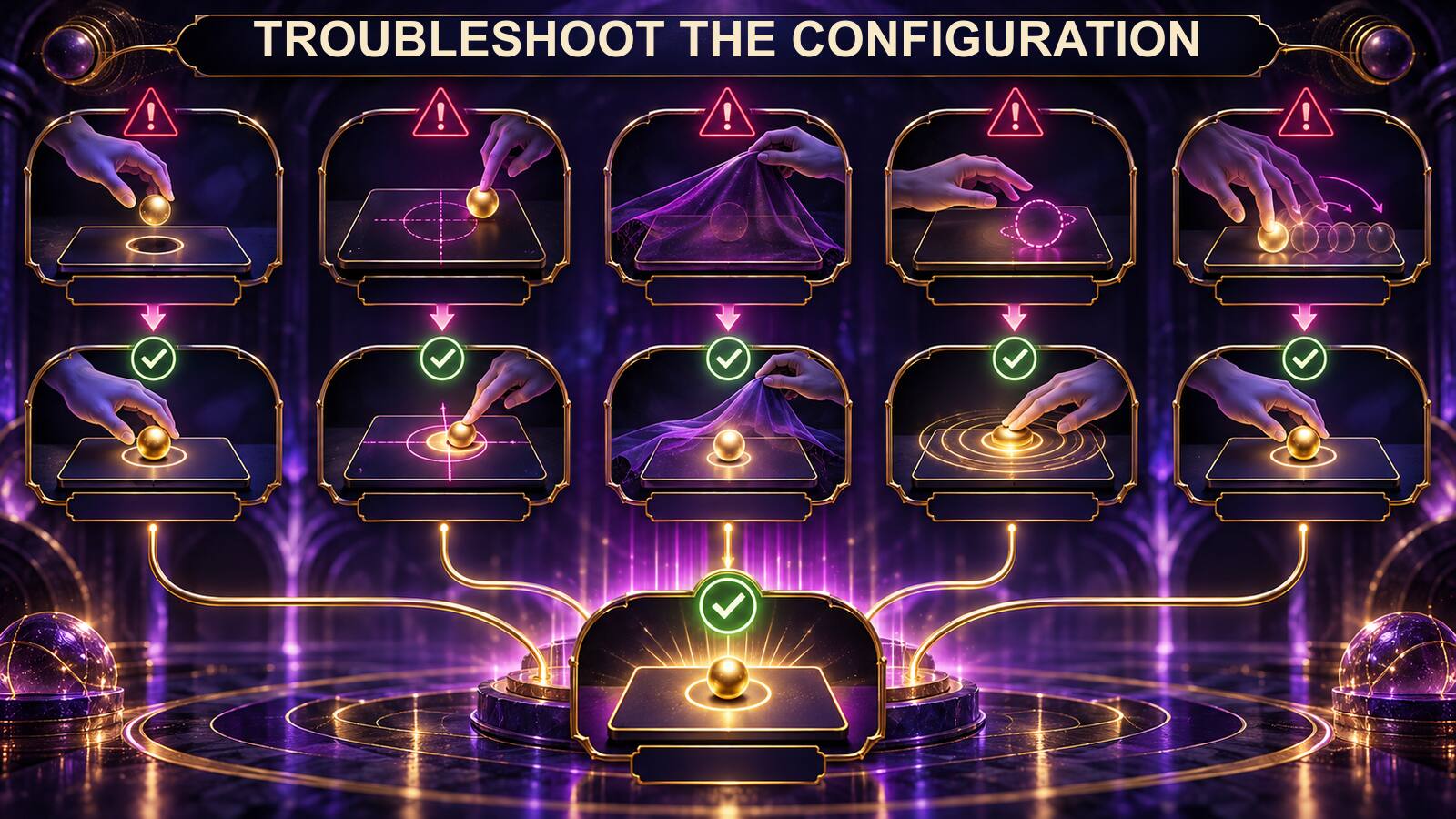
If no value appears, confirm that the touchplate or radionic-value option is enabled for the position. Make sure you pressed and held the mouse button inside the active plate area, moved while holding, and released normally. Then click Update before closing the configuration.
If the value appears in the configuration but not on the canvas, review Show Radionic Values. The number may be stored but hidden. Turn the display on when you need to inspect it, update the position, and return to the canvas.
If the wrong position changes, reopen it and verify its position number. Similar cards or overlapping boxes can make selection confusing. Move the boxes apart temporarily, correct the intended slot, and save a new version if necessary.
If the value disappears after reopening the template, confirm that you updated the position and saved the correct file. Check whether you opened an older version with a similar name. Adopt a clear naming convention and keep only the current working copy in the active folder.
If a copied template contains values you do not recognize, read its Notes and product instructions before changing them. Preserve the original file. Create a separate customized copy so you can return to the source design.
If you feel compelled to repeat the gesture until a preferred number appears, stop and write down the purpose of the position. Choose a single deliberate attempt after clarification. The goal is focused personalization, not hunting for reassurance in random-looking digits.
If the feature behaves differently from this guide, check the version of Fire Toolz you are using. Labels and layout can change. The durable workflow is to identify the position, prepare the intention, use the plate deliberately, update the position, save the template, and reopen it to verify retention.
9. Build a Repeatable Mental-Focus Protocol

You can make touchplate work more consistent by using the same short preparation each time. Consistency does not make the value scientifically objective; it simply reduces avoidable variation in your own behavior and helps you recognize when you are distracted, rushed, or uncertain about the intention.
Begin by preparing the environment. Close unrelated windows, silence notifications, place the mouse comfortably, and make sure you can read the position without leaning toward the screen. If background audio is playing, decide whether it helps or competes with the task. The touchplate needs only a few undisturbed moments.
Next, orient yourself to the operation. Read the template name, position name, beneficiary, and decree. Say the practical action you are pairing with the session. This prevents a ritualized gesture from becoming detached from its actual purpose.
Use two or three ordinary breaths to settle. Do not hyperventilate, hold your breath, stare at flashing imagery for long periods, or try to force an unusual mental state. The goal is simple attention. If you feel dizzy, frightened, or overwhelmed, stop and return to normal activity.
Choose one focus channel. A verbal channel repeats the intention silently. A visual channel imagines the beneficiary completing a voluntary, practical action. A sensory channel notices the hand moving while retaining the core sentence. You can use any of these, but switching constantly among them makes the brief exercise harder to follow.
Perform the press-move-release gesture once. Keep the movement comfortable. When you release, look at the value without judging its appearance. Update the position and write a short factual note. Then leave the plate instead of immediately repeating the process.
Return to the paired action. Begin the study session, open the budget, write the paragraph, tidy the room, or perform the other task named in the design brief. This closing step prevents the touchplate from becoming an end in itself. The template supports a routine; it does not exempt you from participating in that routine.
You can shorten the protocol to a memorable sequence: prepare, identify, settle, focus, gesture, record, act. Put those seven words in private notes if helpful. The sequence provides enough structure for consistency while remaining flexible across templates.
Do not turn the protocol into a test of purity. A stray thought does not invalidate the session. Ordinary attention fluctuates. Notice the distraction, return to the sentence, and finish the gesture. If you were too interrupted to understand what you did, record that fact and revisit the template later rather than treating the interruption as a hidden message.
Limit touchplate work to a sensible part of the session. Spending an hour generating and regenerating values can crowd out the practical action the template was meant to support. Set a boundary before you begin: one prepared intention, one position at a time, one deliberate gesture, and one optional repeat only for a clear technical failure.
If more than one position needs custom values, pause between them. Read the new position name and decree so that the intentions do not blur together. The pause can be as simple as taking your hand off the mouse, looking away from the screen, and restating the next purpose.
This repeatable protocol makes the experience easier to document and teach. It also makes limits visible: the focus is personal, the gesture is voluntary, the value is symbolic, and the meaningful real-world outcome still depends on actions and circumstances beyond a number on screen.
10. Maintain a Clean Library of Values and Versions
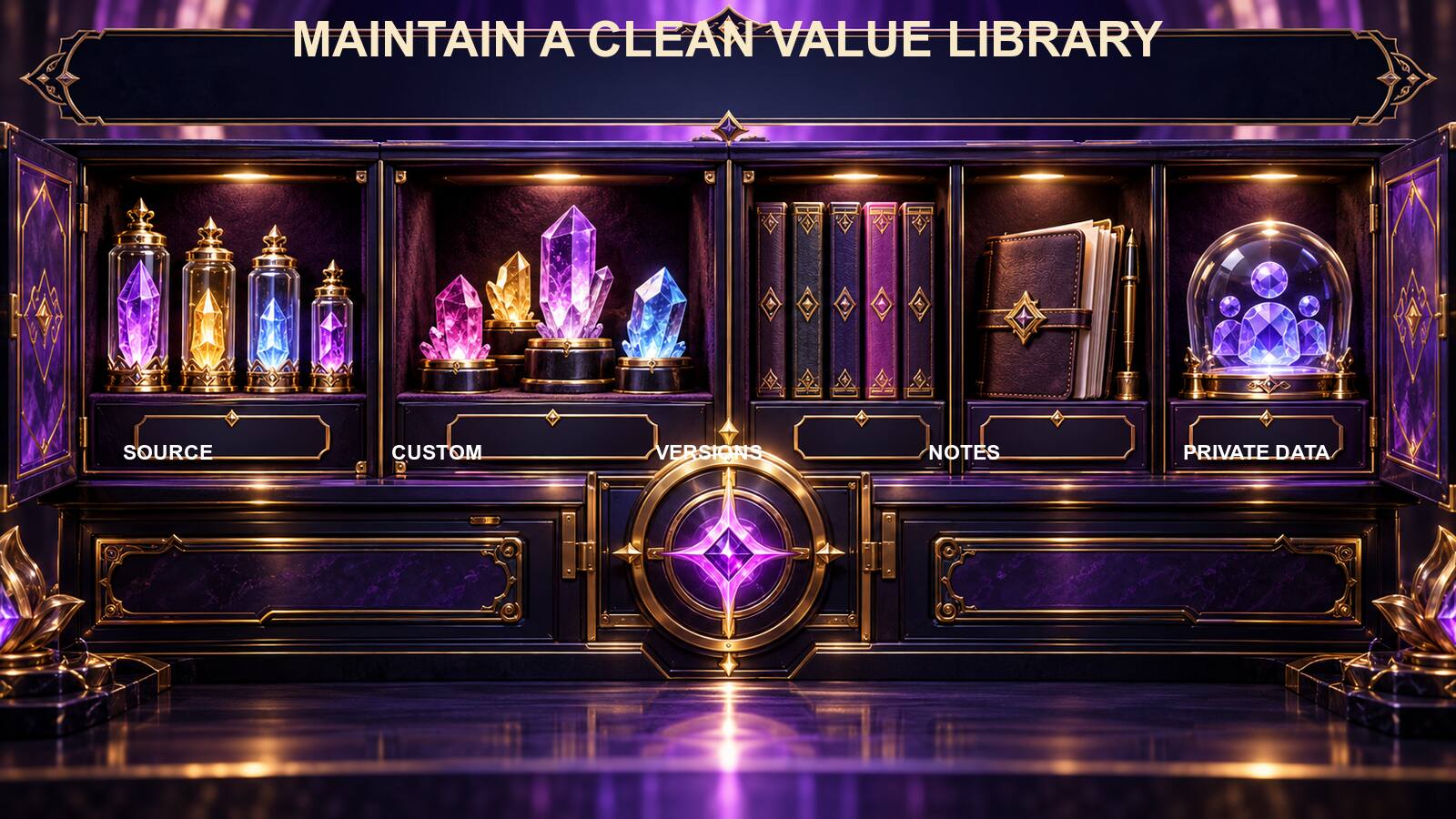
As your template collection grows, values can lose their context. A number copied into a notebook without its position, purpose, and version becomes almost meaningless. Build a small record system that keeps each value attached to the configuration in which it was created.
For every custom value, record the template filename, version, position number, position name, intention summary, generation date, and whether the value is displayed. You do not need a complex database. A private spreadsheet or Markdown table is enough when it is stored securely and backed up.
Separate source values from custom values. Mark an included filter value as “source” and never present it as your own discovery. Mark a touchplate result as “custom” with the session date. This distinction protects the original design and prevents accidental redistribution of someone else’s work.
Keep beneficiary information in a protected column or separate private file. A general template inventory does not need a person’s full name or photograph. Use an internal code only if you can manage it without confusion, and keep the key private. Delete unnecessary copies when the work is finished, following your normal secure data practices.
Use versions to preserve meaning. If only the display toggle changes, a minor version may be enough. If the purpose, beneficiary, position order, or decree changes, create a clearly new version. The value belongs to the old position design unless you intentionally generate another for the new one.
Archive, do not endlessly accumulate. Review the library periodically and identify active masters, current personalized copies, retired experiments, and files that are safe to remove. Before deleting anything, confirm that you have the intended backup and that the file is not the only copy of a licensed resource.
When exporting or sharing a blank template, prepare a clean release copy. Remove custom values that were generated for a specific beneficiary unless the design explicitly treats them as generic and you have the right to distribute them. Replace personal images, inspect Notes, and include a short instruction telling the recipient where personalization is required.
Use consistent filenames. A pattern such as Purpose-Master-v1, Purpose-Custom-YYYY-MM-DD-v1, and Purpose-Release-v1 makes relationships visible. Do not rely on names such as “final,” “final2,” and “really-final,” which quickly become ambiguous.
Test an archived file before trusting it. Open the template, verify the position and value, and confirm that required images and audio still exist. A record saying that a value was saved is not the same as a working template whose dependencies are available.
The library can also show when simplification is needed. If several templates differ only by a touchplate value, consider maintaining one clean master and a smaller set of intentional session copies. Organization should reduce cognitive load rather than create a museum of nearly identical files.
Finally, treat the record as design history, not as a predictive oracle. Use it to answer “Which value belongs to this version?” and “Why did I change this position?” Do not use it to decide that one person, date, or outcome is superior because of a larger or more attractive number.
The virtual touchplate is most useful when its role remains clear. It turns a focused gesture into a saved symbolic value inside a complete template. Used with ethical intentions, stable files, honest notes, and practical follow-through, it can give personalization a visible place without claiming to measure what the software cannot measure.
Explore the template-building and touchplate features in Quantum Radionics Fire Toolz and begin with one clear, self-directed intention.